Record.
Edit.
Share.
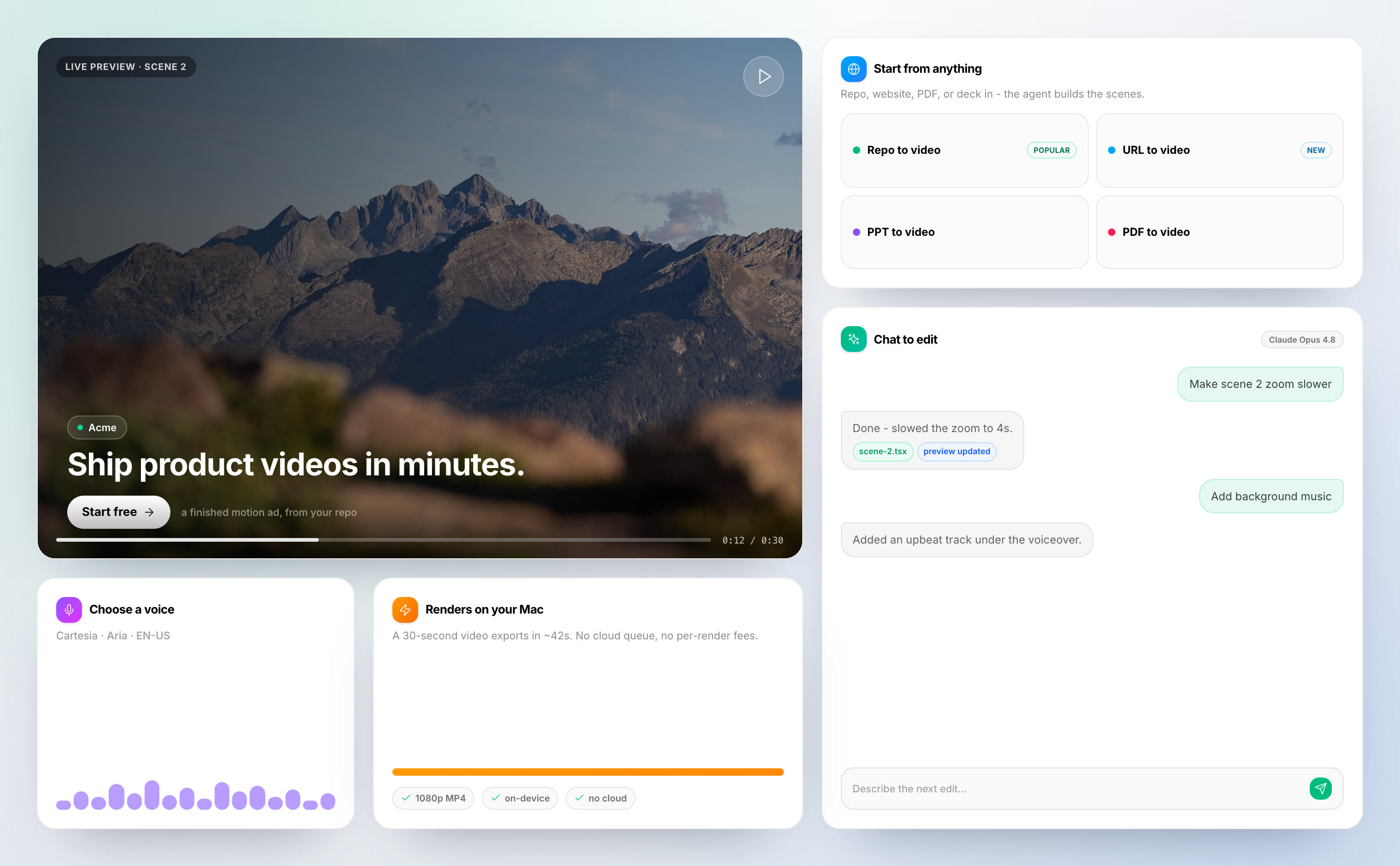
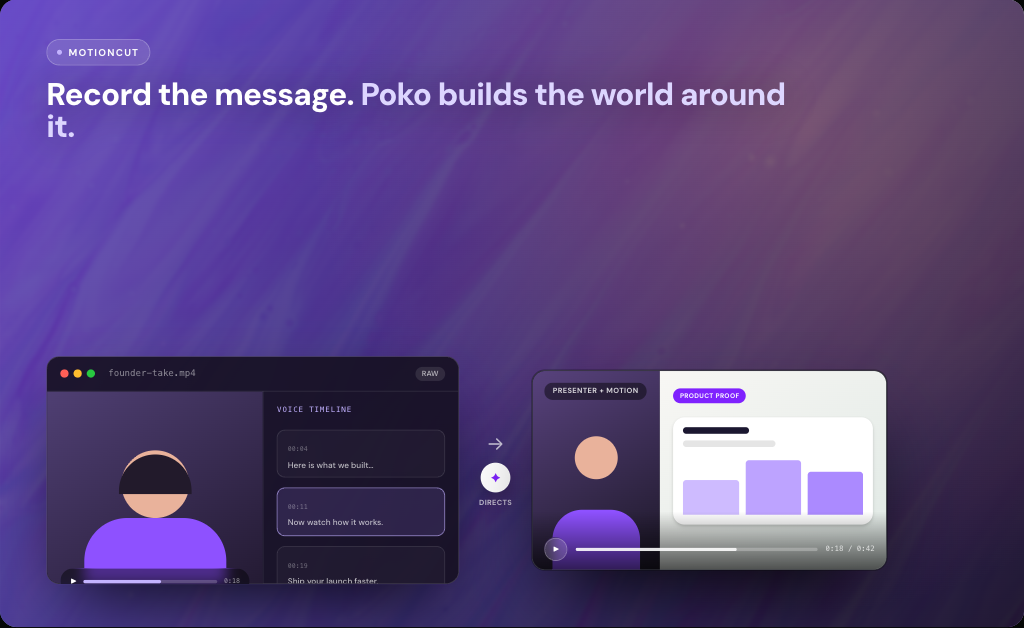
Screen recording with webcam overlay, cursor zoom, captions, screen frames, background music, and a built-in editor.
No credit card · No watermark · Free tier
How it works
Record to published in three steps.
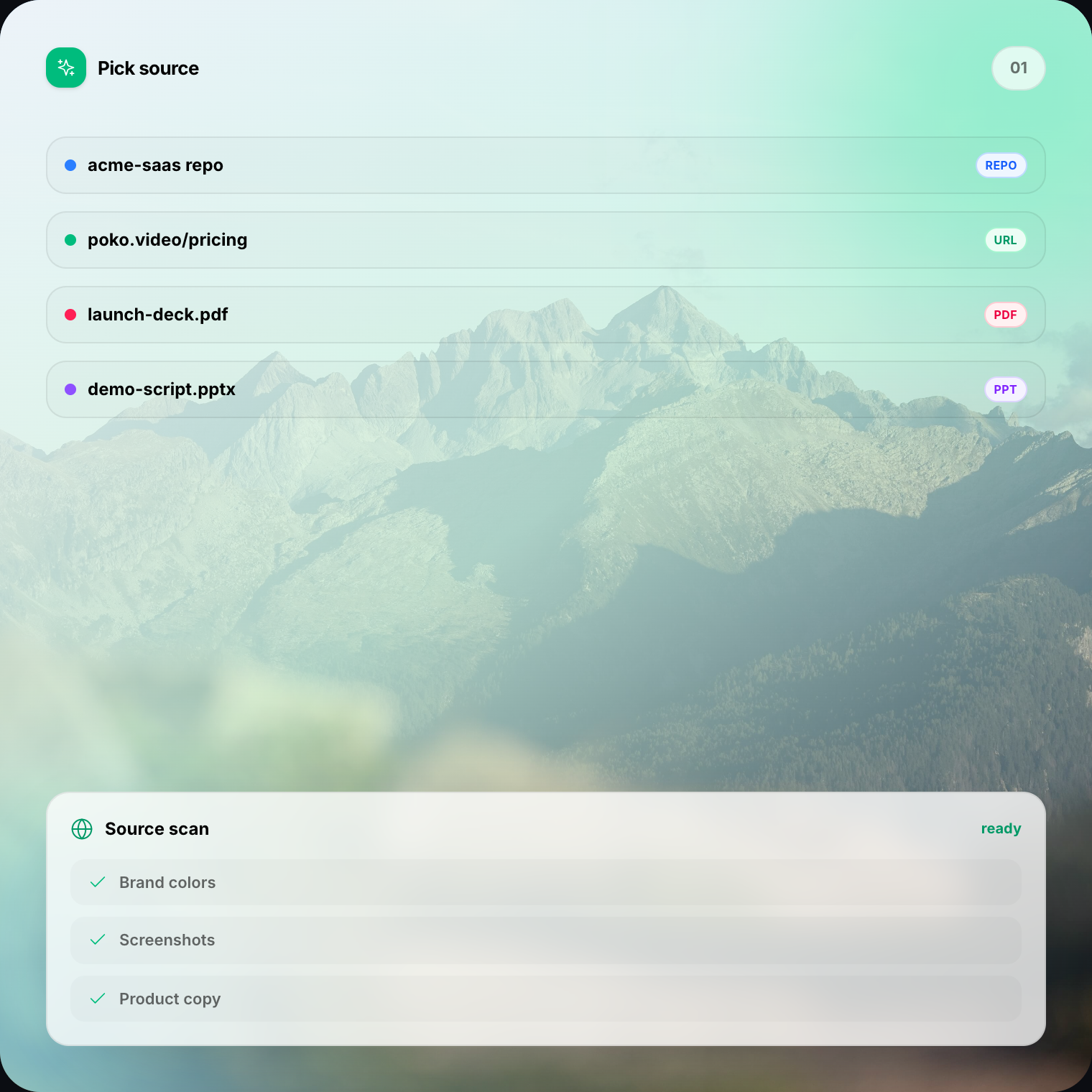
Record your screen
Open the desktop app, pick a source, toggle webcam and mic, and hit Record.
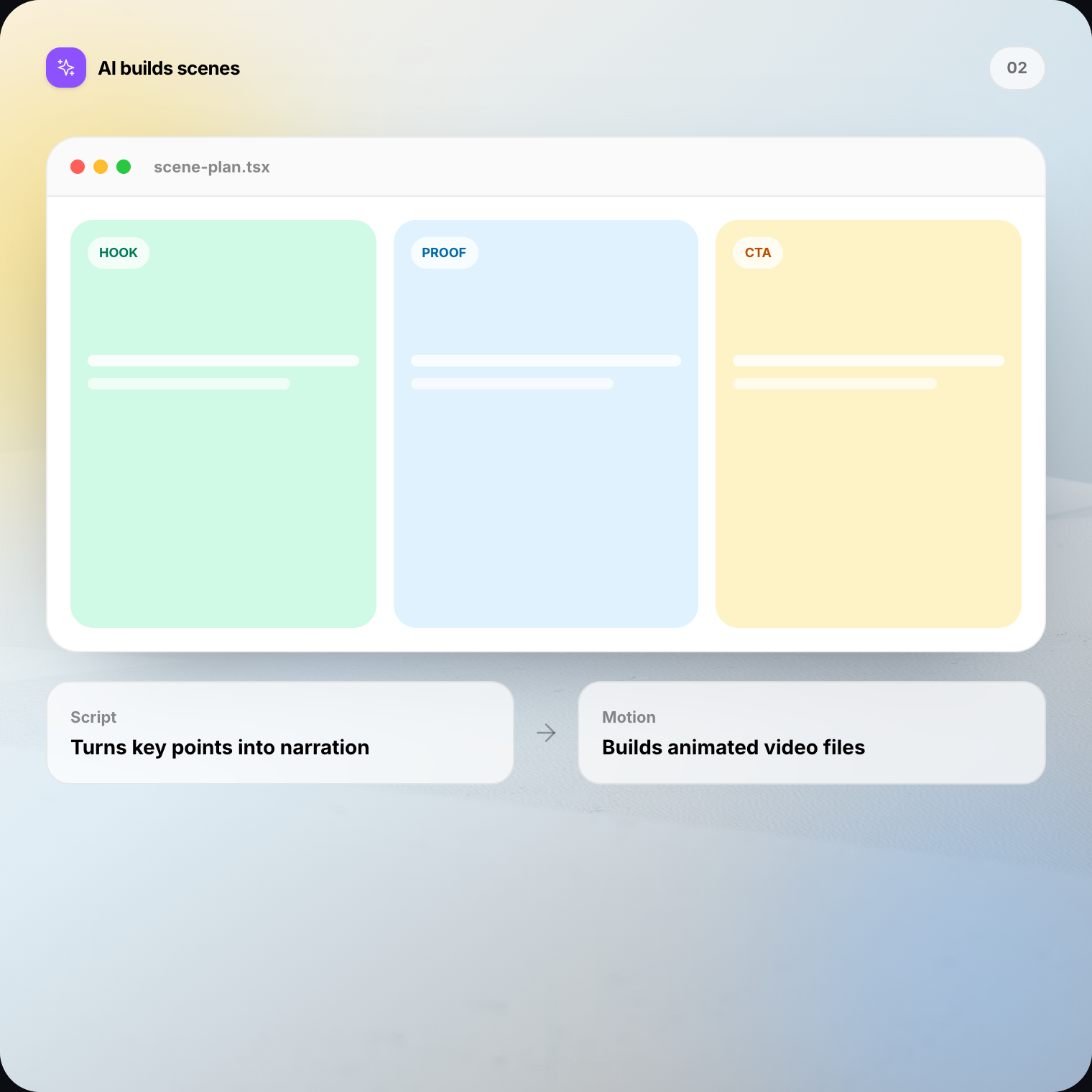
Edit in the studio
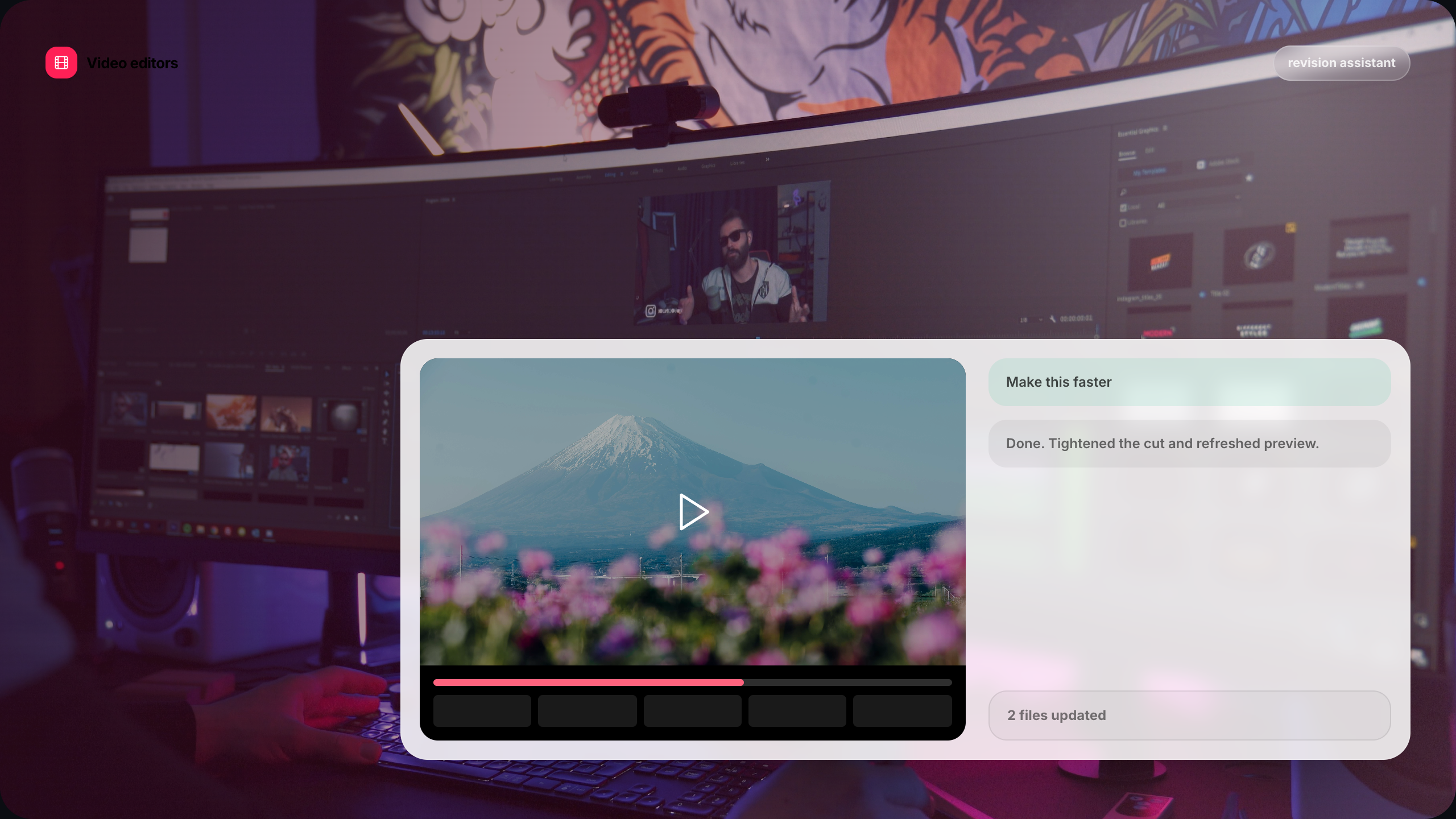
Add cursor zoom, captions, screen frames, music, and brand slides — all drag-and-drop.
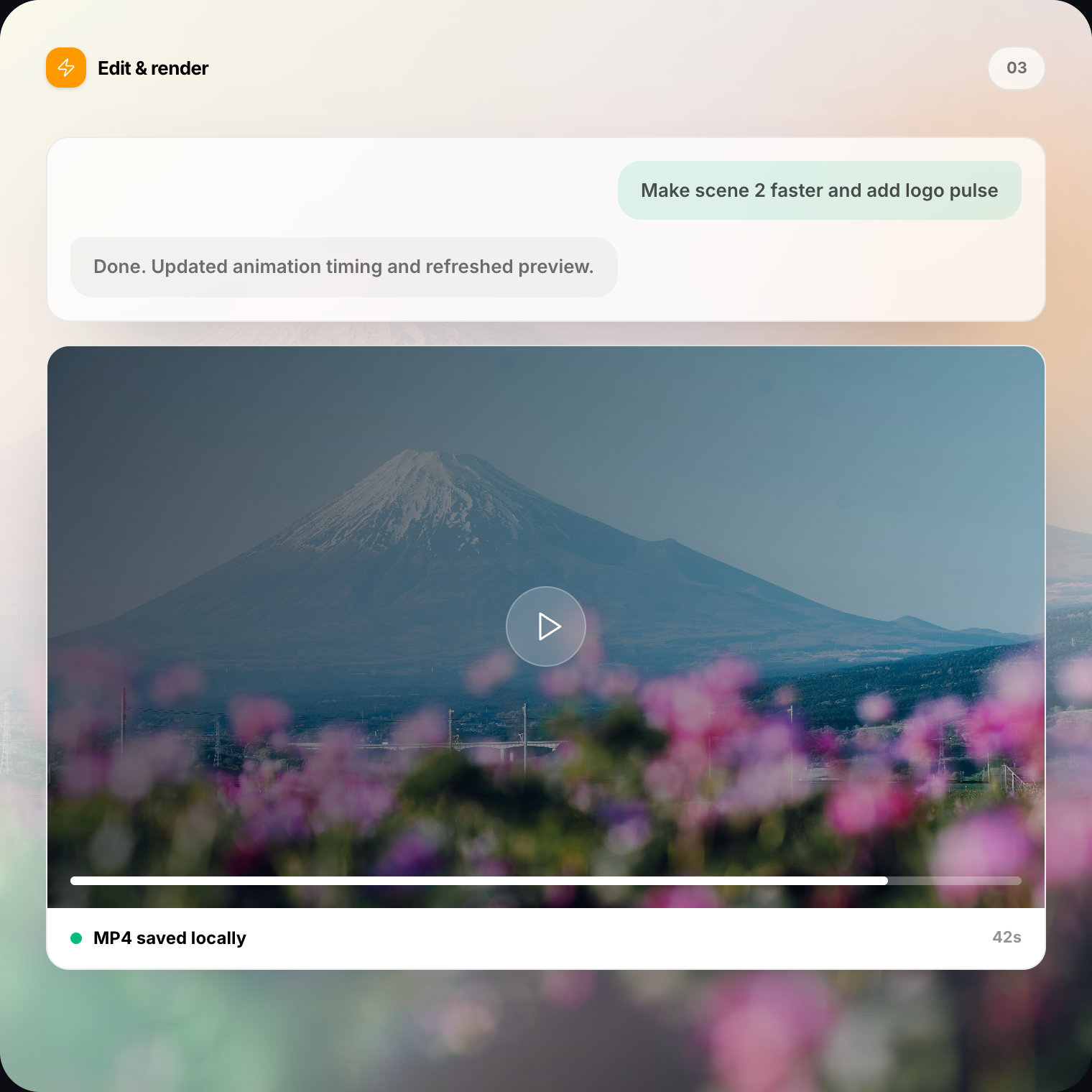
Share everywhere
Export up to 4K. Get a shareable link, embed code, or download the MP4.
Features
Everything you need. Nothing you don't.
Record, edit, and publish — all in one tool.
Screen Recording
Full screen, window, or custom area with system audio and mic.
Webcam Overlay
Circle, rounded, or rectangle overlay. Drag anywhere. Multiple cameras.
Cursor Zoom
Auto cinematic zoom on clicks. Custom cursor styles and click sounds.
Smart Captions
40+ animated styles. Auto-transcribed. Karaoke, pop, highlight effects.
Screen Frames
Device frames, 3D tilt, drop shadows, and gradient backgrounds.
Timeline Editor
Trim, reorder scenes, and change speed 0.25×–4× with live preview.
Background Music
Royalty-free library with volume control and auto fade at scene cuts.
Brand Slides
Intro and outro with your logo, tagline, and colors. Four animation styles.
Share & Embed
Get your video in front of people.
Share links
Every video gets a clean URL. No login to view.
Embed anywhere
One-line iframe for your docs or landing page.
<iframe src="poko.video/embed/…"
width="100%" />Download MP4
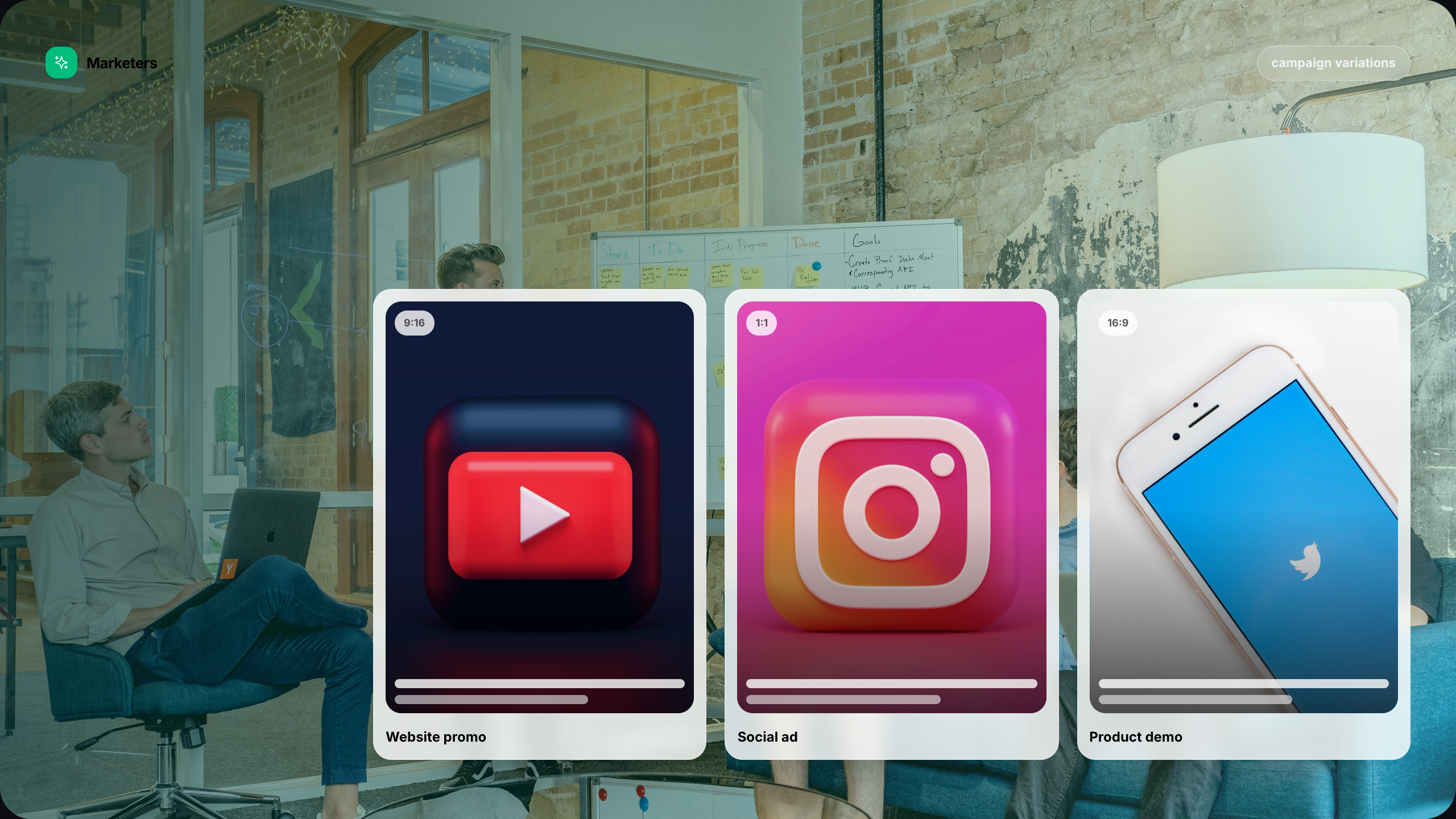
720p, 1080p, or 4K. Three aspect ratios.
FAQ
Questions? We've got answers.
Record your first video in under a minute.
Screen recording, webcam, captions, cursor zoom, screen frames —
all free. No watermark. No credit card.
No credit card required